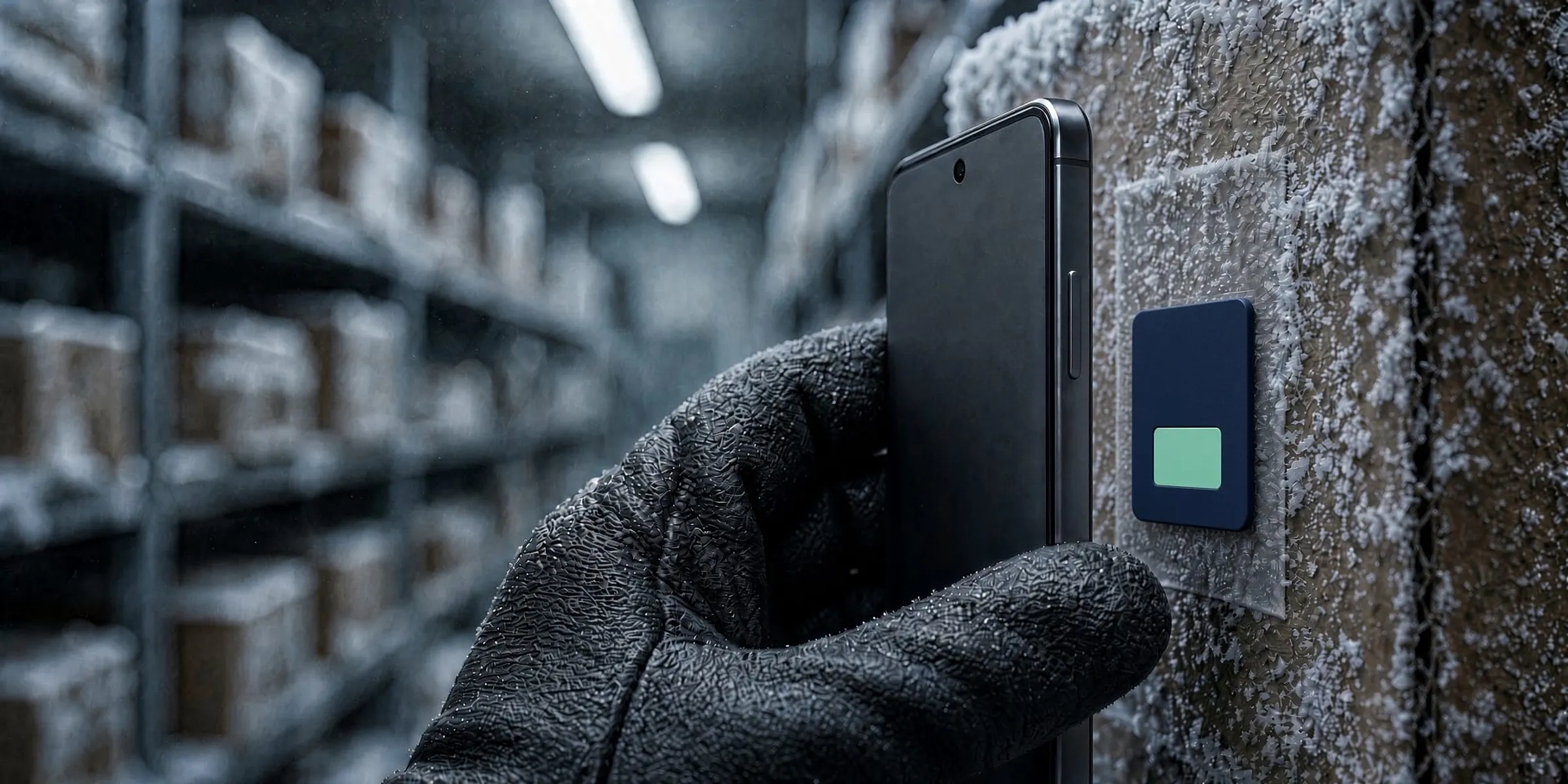
A tag, a phone and a record. That’s how it works.
Follow a package from the moment it leaves until it arrives.
Four steps, three of them a tap.
It all starts from the dispatch guide or invoice you already issue. You type nothing.
- 01
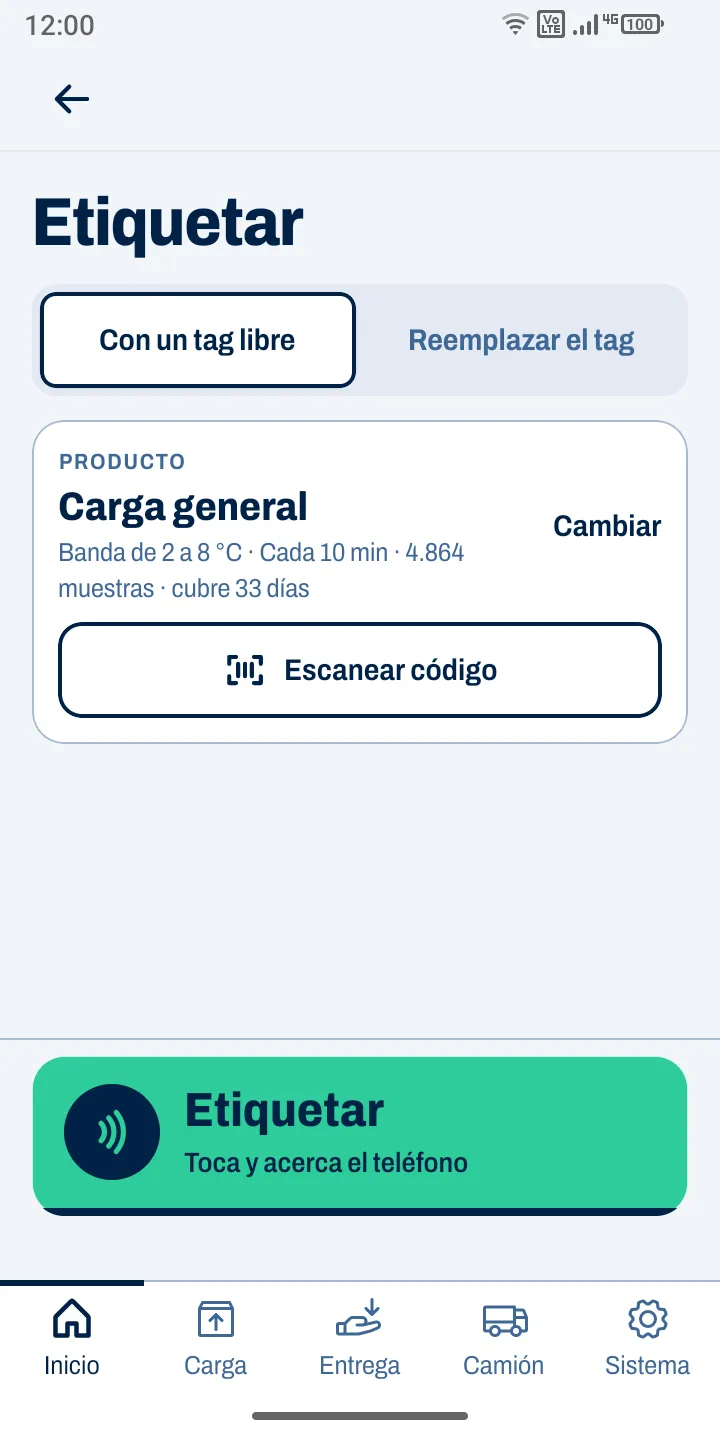
You label Tap
You scan the code the package already has and tap the tag.
- 02
You load Tap
The driver loads each package with a tap. From there the leg is theirs.
- 03
You deliver Tap
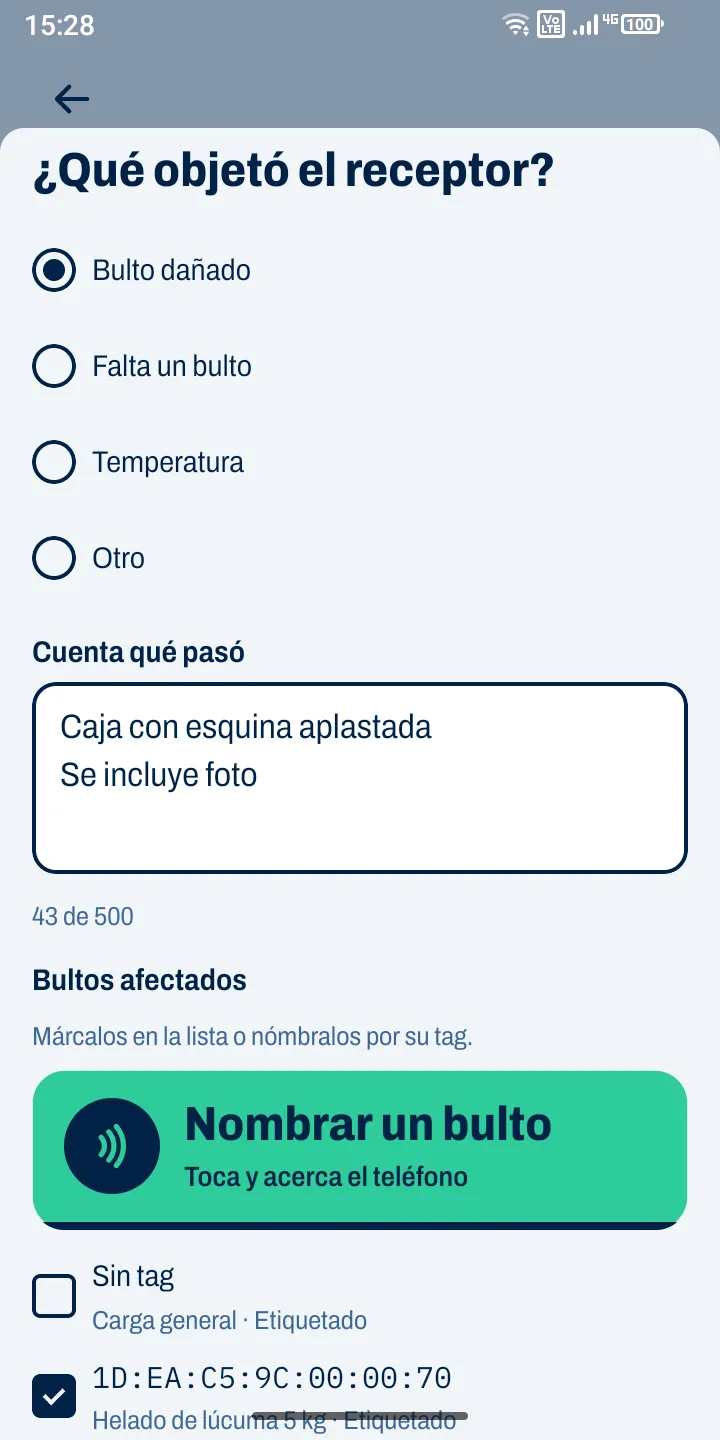
One tap on delivery. If something arrived badly, it’s noted with photos.
- 04
The record arrives
It reaches the recipient on its own, after delivery.
Every tap records: role · time · phone · place
The proof that reaches your customer on its own.
A PDF for each dispatch guide or invoice, with a digital signature and a third-party timestamp.
What it includes
- The result of each leg and its carrier
- Where each step happened
- The driver’s notes, with photos
- The recipient’s reading, kept separate
How to check it
- In your PDF reader: the digital signature and the timestamp.
- On the portal: the link compares the PDF’s fingerprint with the registered one.
The signature attests who issued the record; it doesn’t certify the measurement.
An app made for the warehouse and the road.
Works offline
Everything stays on the phone and uploads on its own when the network returns.
You see the temperature on reading
When you read the tag, the package’s temperature curve appears.
No passwords
You sign in with Google or a link to your email.
Your dashboard
The result of each leg and a report per carrier.
Three tags. The shape and the battery change.
-
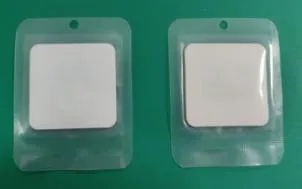
AiceTag Lithium
The general-purpose one.
1 to 60 days
-
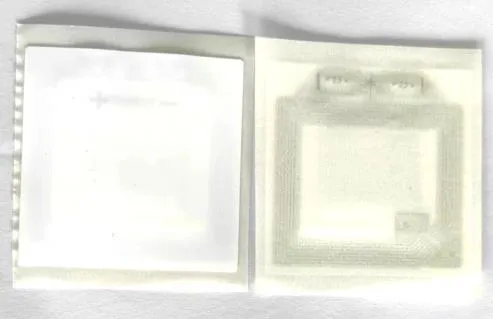
AiceTag Paper Label
No lithium. Suitable for air freight.
1 to 30 days
-
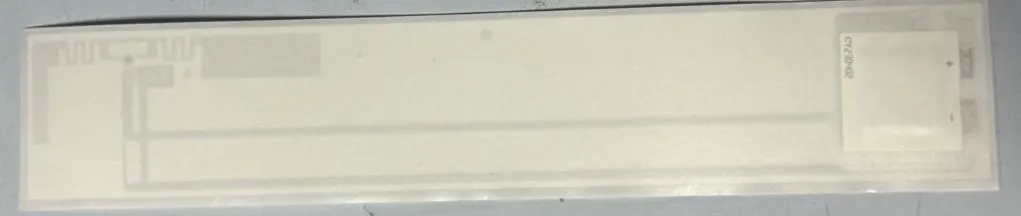
AiceTag Extended
It measures inside the package, without opening it. No lithium.
1 to 30 days
All three: ±1 °C accuracy, −35 to +50 °C, reusable. The cost of the tag is included in the price per package.
More detail
If you want to know more.
What do I need to start?
An Android phone with NFC and a Google account or an email per person. No equipment in the warehouse or the truck. Android only, for now.
Does it help with my audits?
It doesn’t replace your certifications. It serves as the transport record in your HACCP plan and as backup in audits and claims. It’s designed on ALCOA+ principles.
What if I need an advanced electronic signature?
In Chile
Every record carries a digital signature. If your operation requires it, we also add an advanced electronic signature from a provider accredited in Chile (Law 19.799), which is full proof of who issued the record, when, and that it wasn’t altered.
What if information appears after delivery?
A new version of the record comes out on the same link. Nobody has to ask for it.
What is shelf life used?
An estimate per package and per leg, to tell a brief deviation from a lost product. It stays in your dashboard; it isn’t in the record.
Can I measure a cold room or a truck?
Yes: a tag can stay fixed, recording the temperature of the place, and it’s read with a tap. It doesn’t notify in real time and has no alerts.
Is there a tag with a calibration certificate?
Coming soon: a tag from another manufacturer, with a calibration certificate per batch and higher accuracy. It has no published price yet.
Tell us what you move and where.
In 30 free minutes, we’ll tell you where to start. No equipment to buy.
or write to [email protected]